An EON AI Ventures sector initiative ↗ Staff equipment education

Healthcare staff education · instrument-tray exercise

Rehearse the tray review.
Make the handover clear.

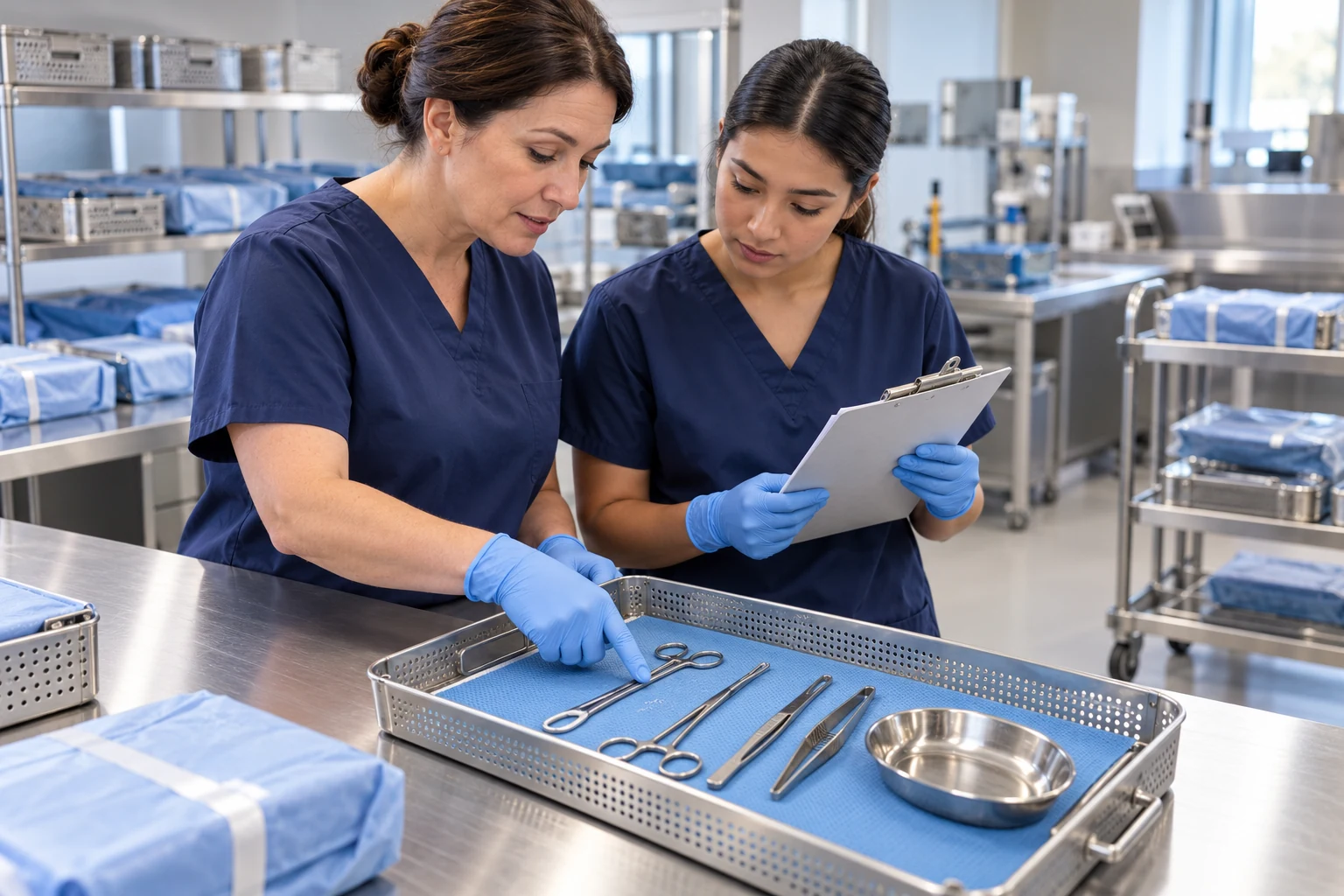
Compare the training tray with its reference record. Practise explaining what is reconciled, what remains open and who owns the next review.

Educator points to training instruments while a trainee holds a clipboard at a nonclinical skills-lab workbench.
Illustrative nonclinical skills-lab scene
Practise the decisionOne reviewed task. The right equipment context.
Keep the evidenceActions, exceptions and a confirmed handover.
Review the learningApproved changes for the next rehearsal.

Images, model and procedures

One module.
A connected training path.

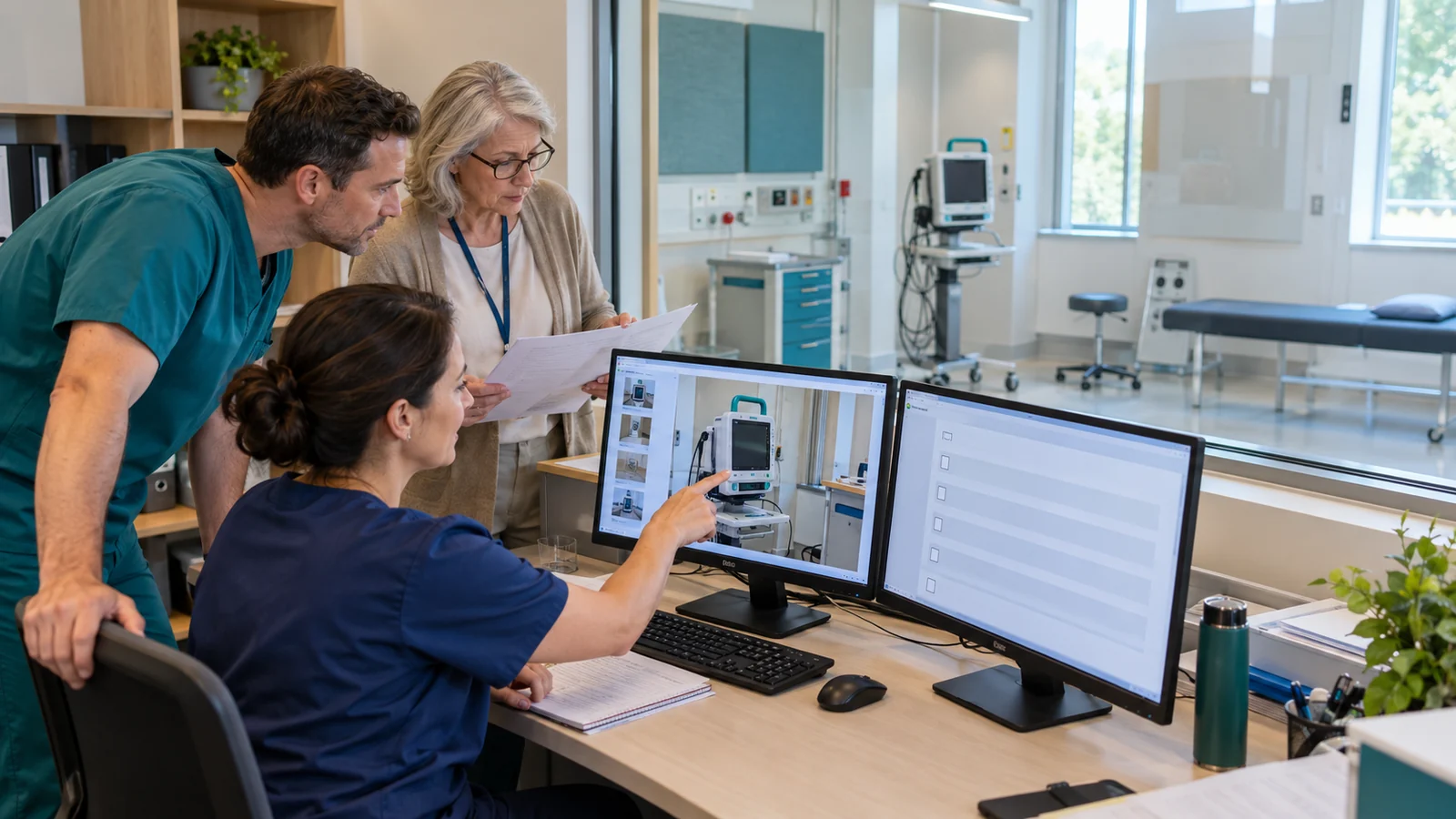
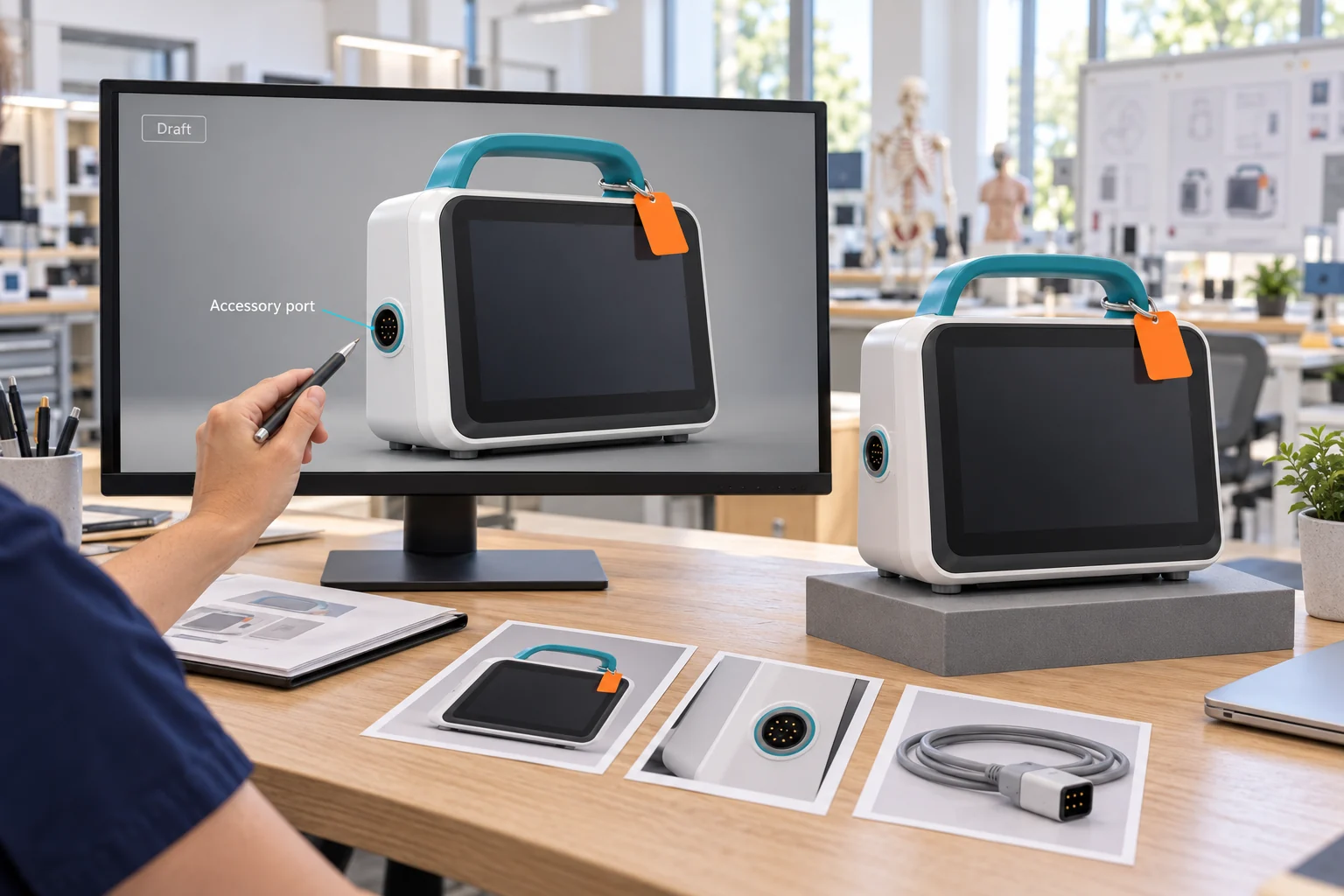
Illustrative source photos and HCM-T01 twin authoring context.
Existing concept visualisation · not a measured equipment reference

HCM-T01 / concept v0.1

Explore the geometry.
Keep the source in view.

A real GLB with nine named components connects the monitor task to its reference images, procedure drafts and lesson development brief.

Locally authored illustrative blockout. No measured fit, native Mirror Direct capture or accepted Genesis lesson is claimed.

Genesis + Field-IQ

Prepare in simulation.
Practise at the equipment.

One equipment task, from an approved source procedure to a supervised rehearsal and a reviewable handover.

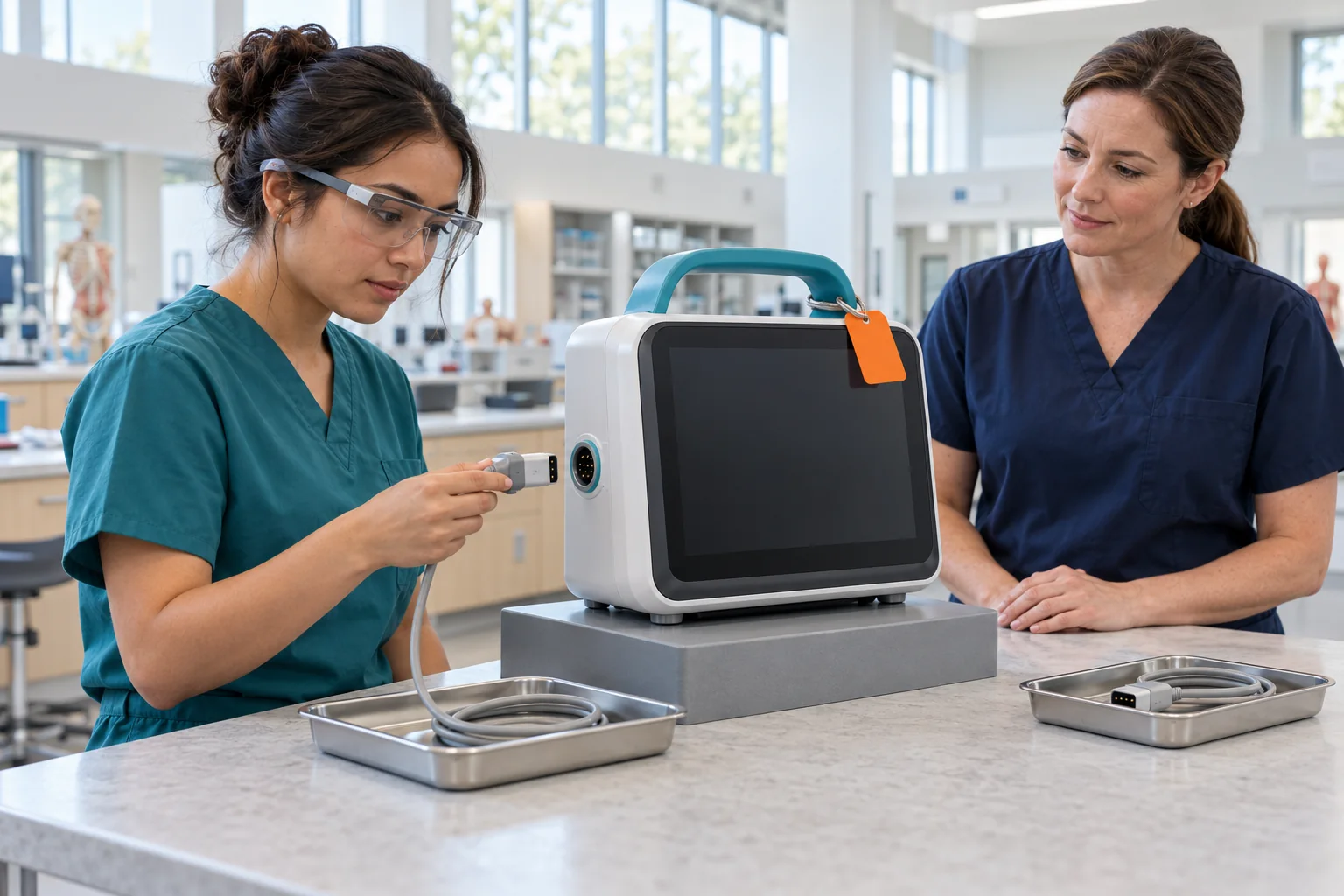
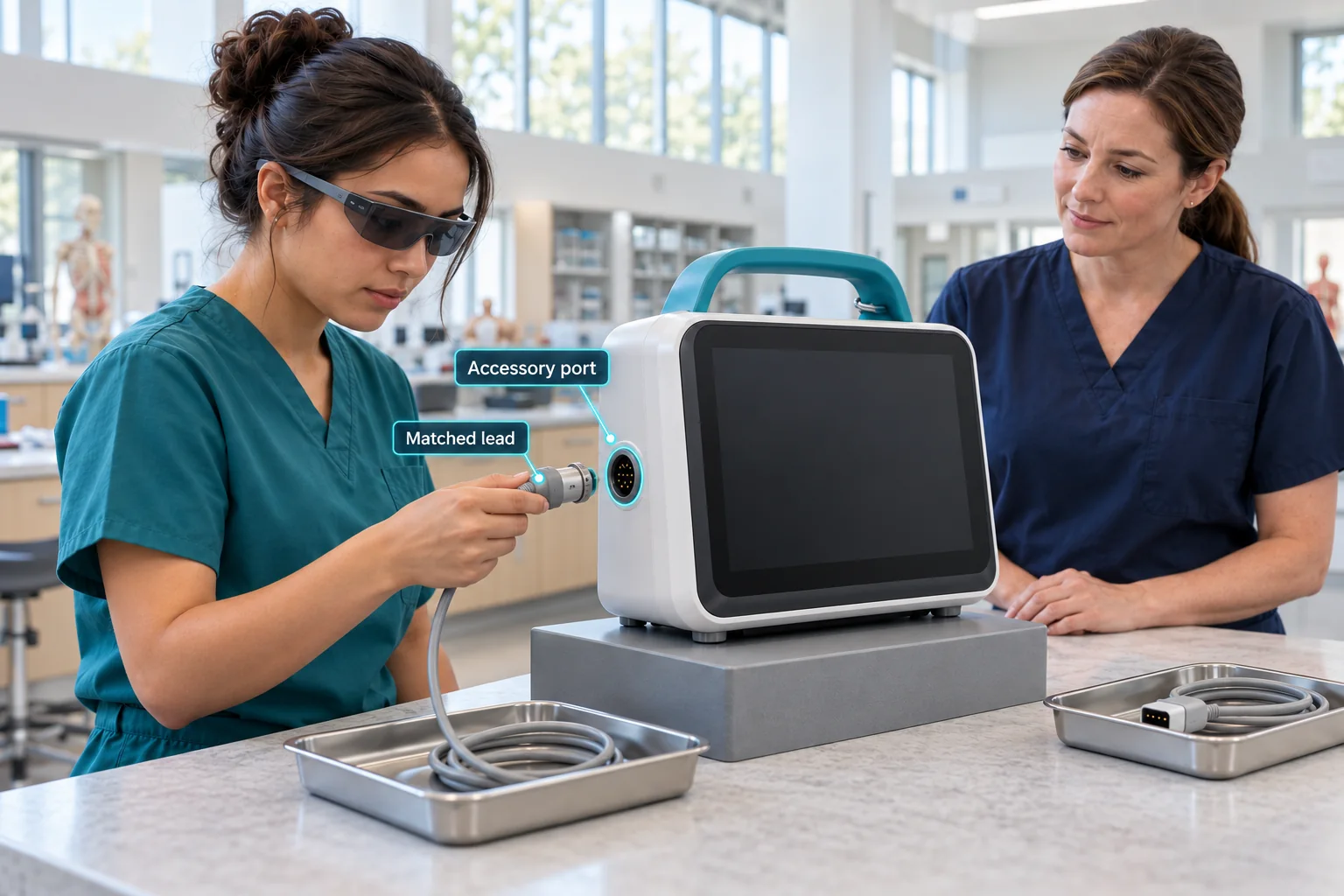
Learner uses slim VR glasses to rehearse the matched trainer connection.
Concept visualisation

01 / Genesis · Rehearse

Prepare the decision.

Connect the equipment representation and approved procedure. Rehearse the matched connection, then practise the response when a different accessory appears.

  1. Identify the equipment and relevant parts.
  2. Practise the action and the exception.
  3. Review the attempt against educator criteria.
Explore the monitor exercise ↗
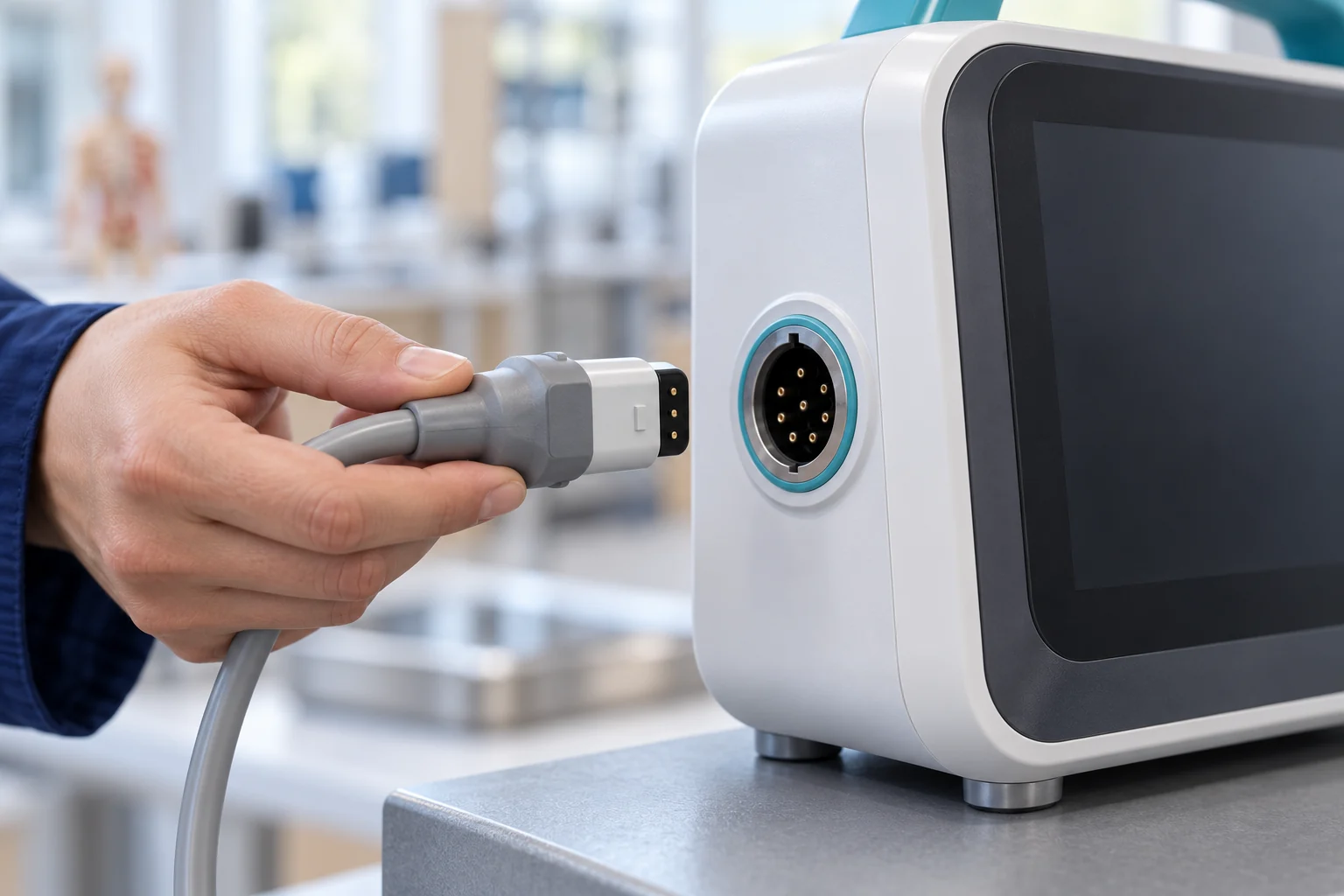
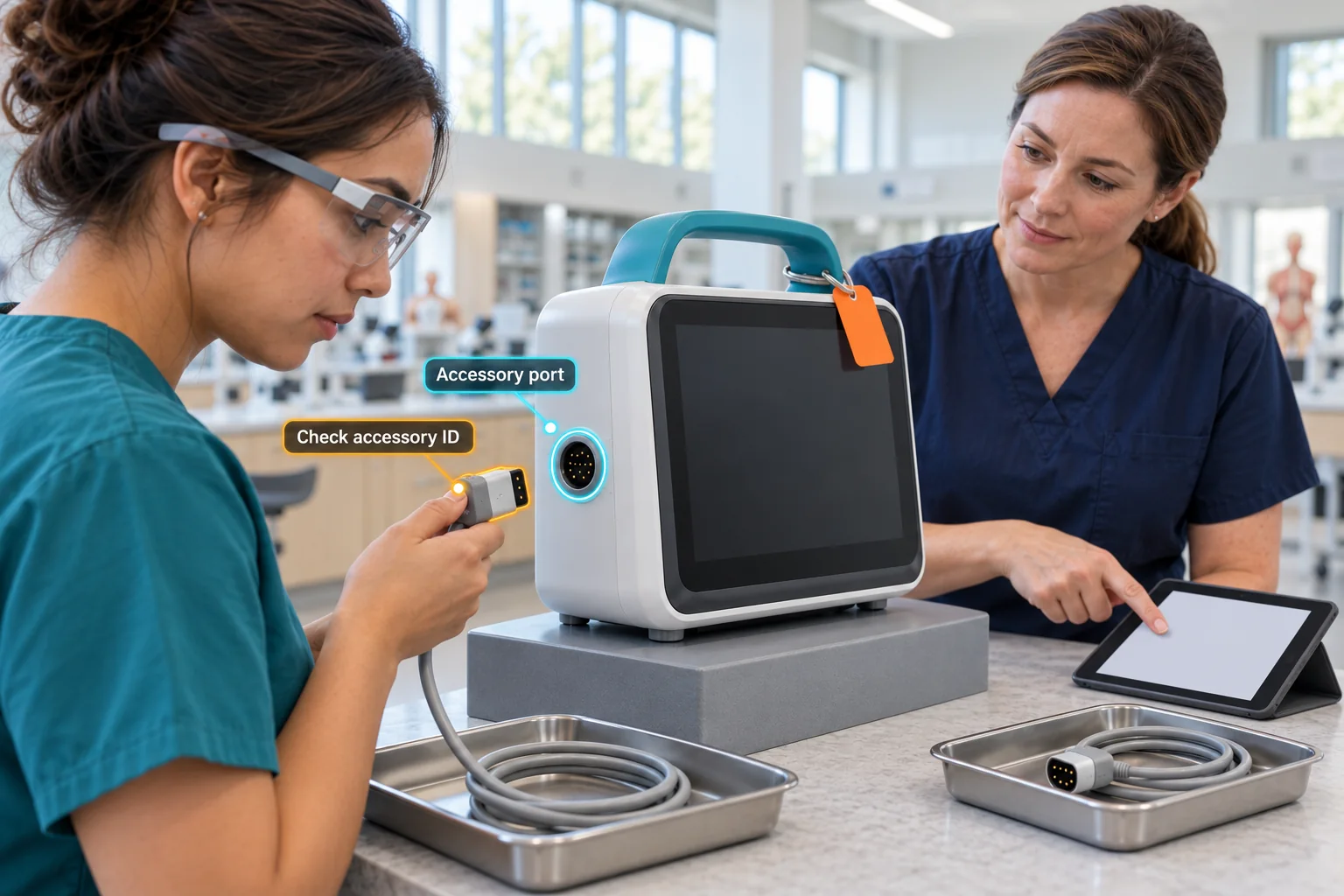
Slim AR glasses and component-linked guidance support a supervised accessory-identity check.
Concept visualisation

02 / Field-IQ · Perform

Carry context into the task.

Support the supervised training run with the equipment context, source-linked assistance and a clear next owner for an unresolved item.

  1. Confirm the equipment and approved source.
  2. Guide the check and capture the exception.
  3. Confirm the handover for educator review.
Explore the handover exercise ↗

Illustrative workflows for staff education on designated training hardware. Equipment configuration, device support and acceptance criteria are agreed for each pilot.

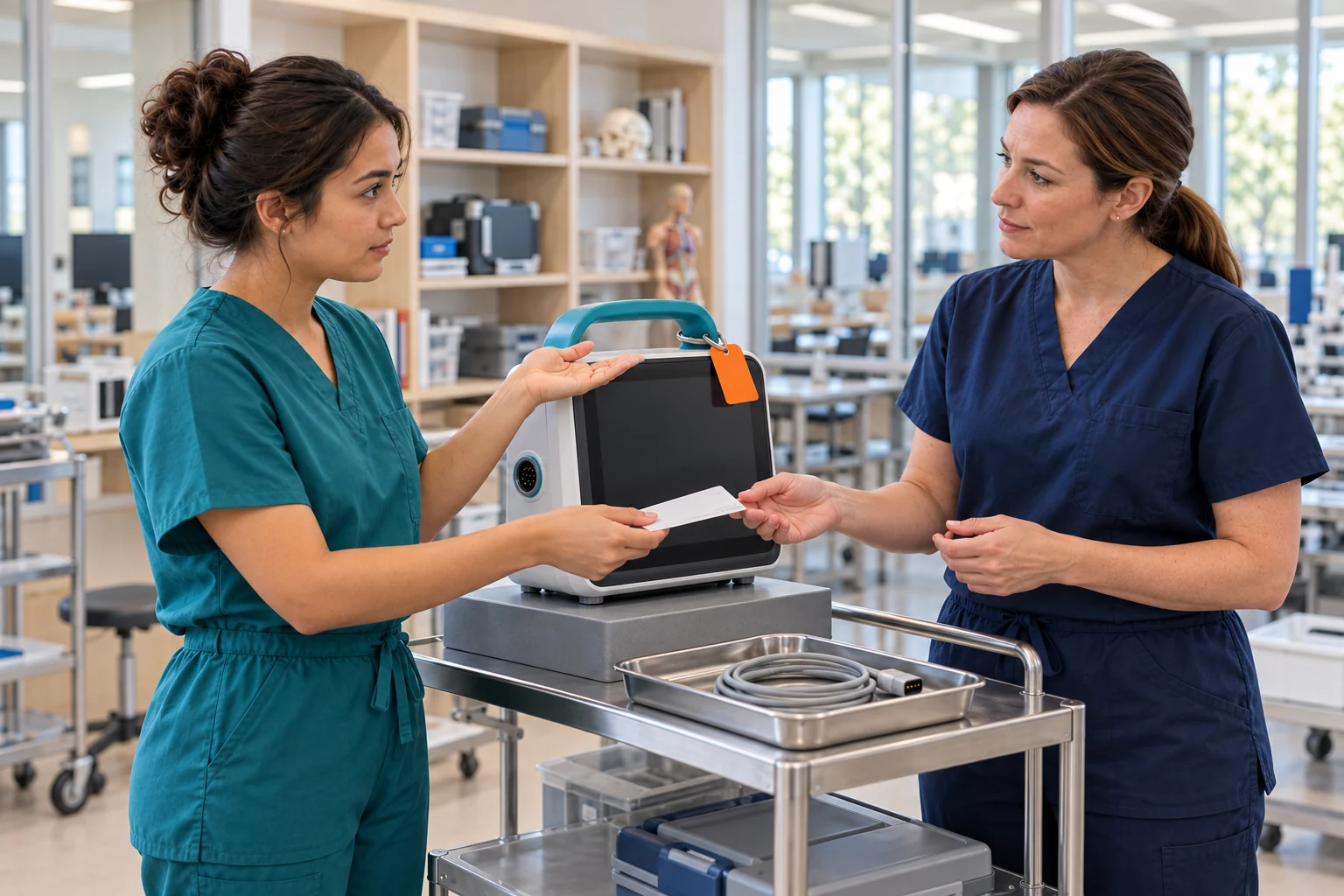
Learner checks an accessory beside educator Morgan at a held monitor training station.
Concept visualisation

Built around real work

Equipment training
with a clear next step.

A monitor looks familiar. Its accessory needs a closer check.

Start with one training station, one approved procedure and the educator who owns the outcome. Rehearse the matched connection, recognise the different accessory and confirm who will review the held item.

Follow the monitor task

The reviewed learning loop

Every rehearsal can
teach the next.

Keep the source, the action and the review connected.

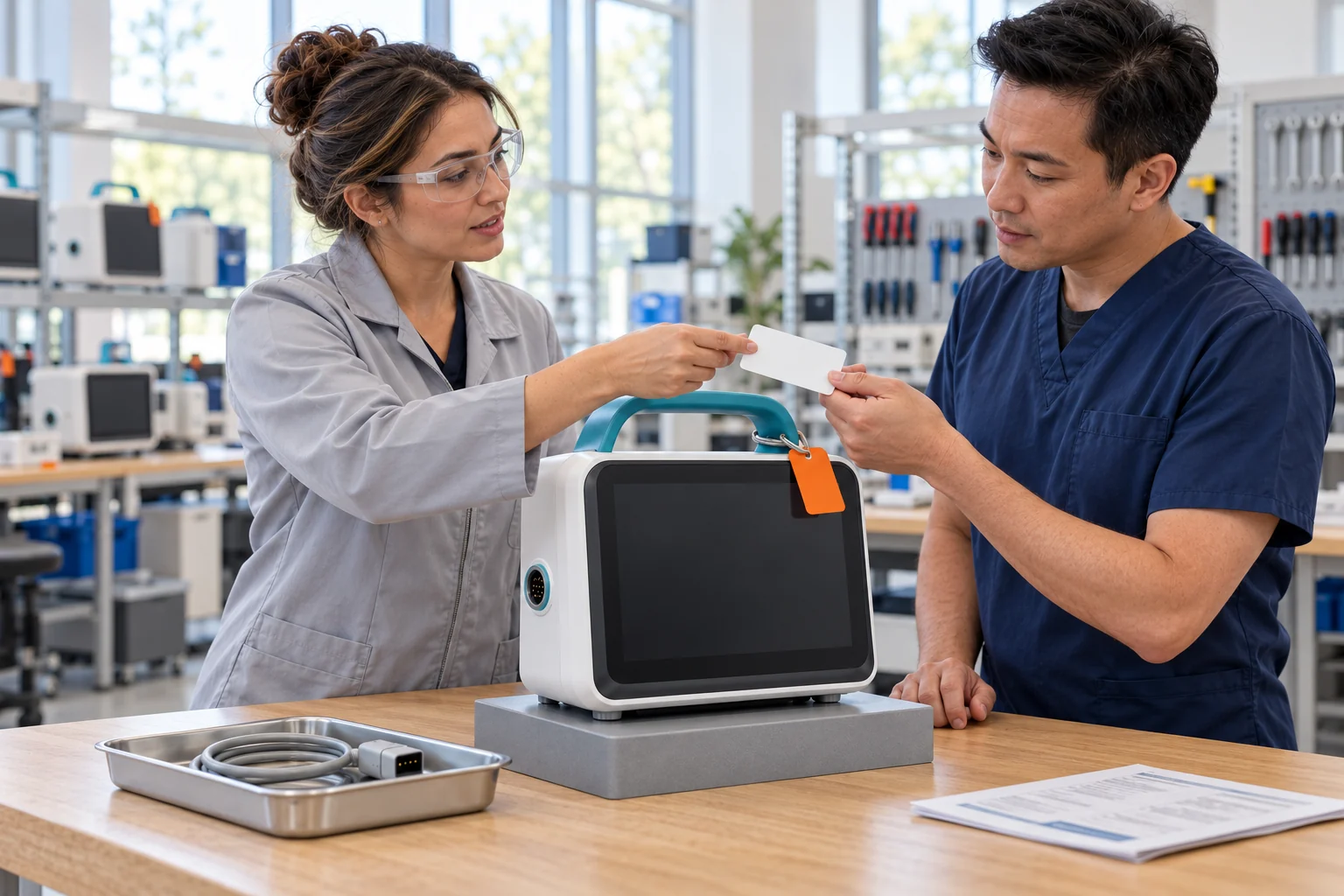
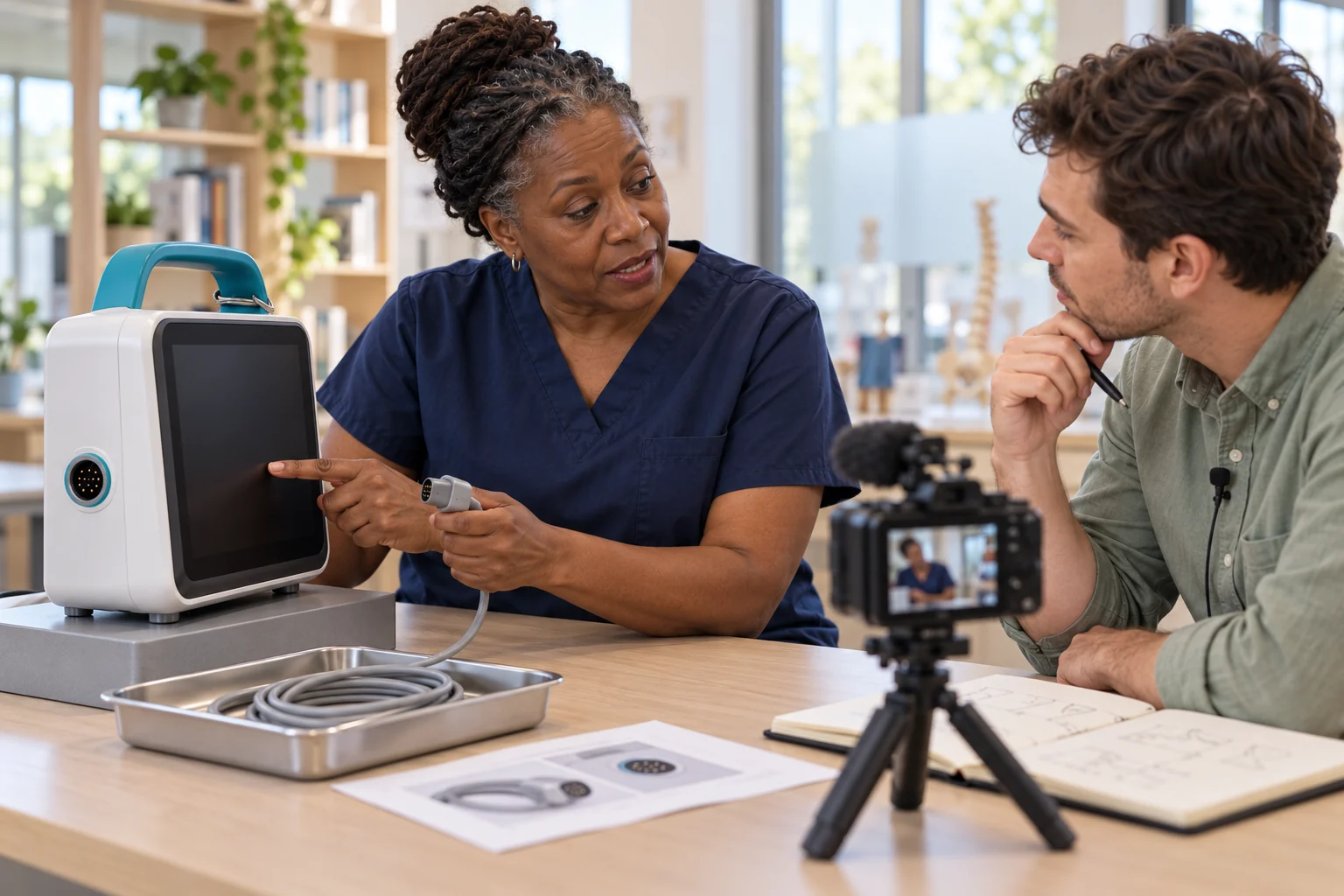
Expert educator explains the equipment check while a learning designer records her reasoning.
Concept visualisation

01 / Capture

Keep the reasoning.

Connect equipment images, the source procedure and the educator’s explanation. Preserve what makes the decision meaningful.

Explore the connected platform ↗
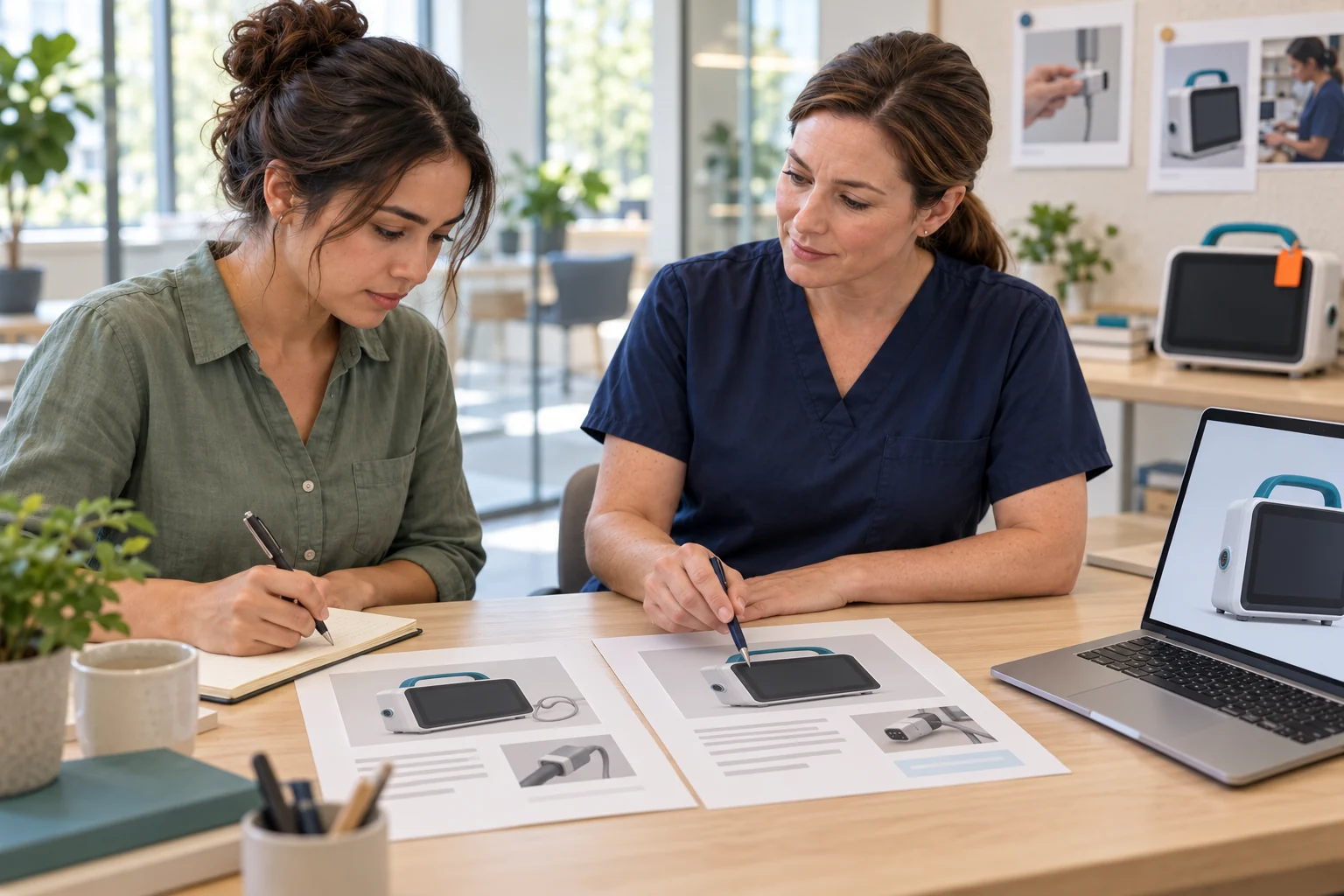
Equipment reference photos and an illustrative twin draft of the same monitor at an educator’s workbench.
Concept visualisation

One platform. Two products.

Represent the equipment.
Support the performance.

The Digital Twin prepares the task. The Work Loop supports the supervised training run.

Keep configuration, source knowledge and performance evidence together, with educator review before the next content release.

Explore the platform

Build the first useful loop

One equipment task.
A better next rehearsal.

Bring one permitted image and an approved training procedure. Let’s define the learning objective, reviewer and evidence together.

Discuss your task